Create your password manager account
How to Create Your Account
Follow the steps below to set up your account on the Williamsville Wellness Vault system.
1. Go to the website
Open your browser and navigate to:
https://vault.williamsvillewellness.us
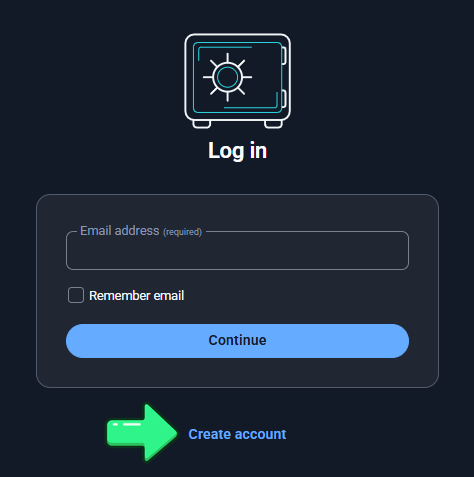
2. Start the account creation process
Click the “Create account” button.
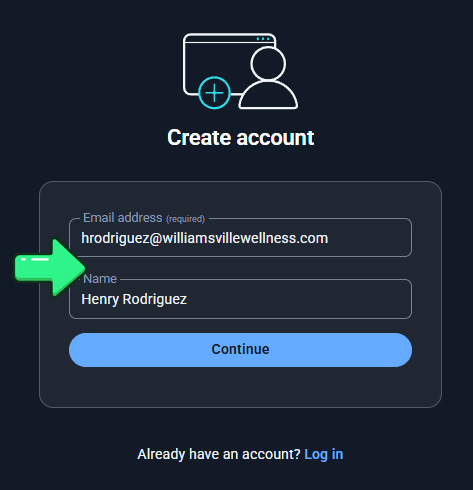
3. Enter your basic information
When prompted, provide the following:
-
Email Address
-
Name
Then click “Continue.”
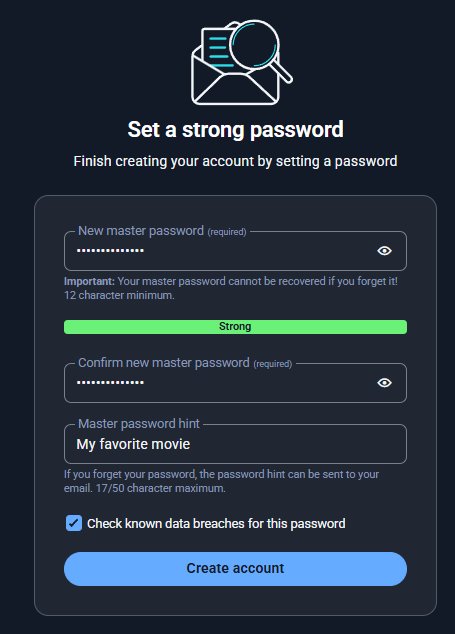
4. Set your master password
You will now be asked to:
-
Enter your Master Password
-
Re-enter the Master Password to confirm
-
Create a Password Hint
Mark the option: “Check known data breaches for the password”
5. Finalize your account
Click “Create account.”
6. Access your new account
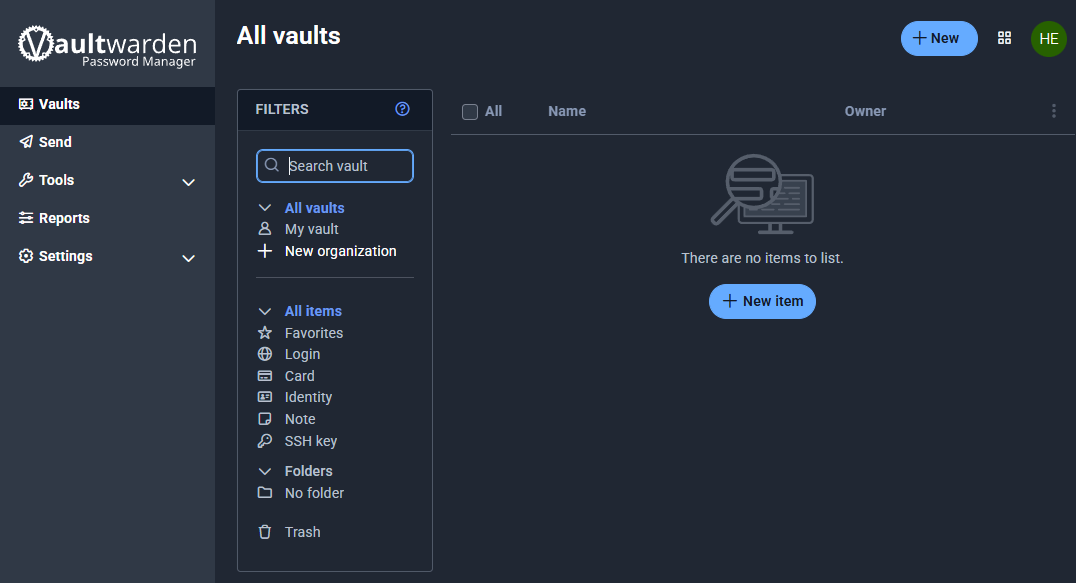
After submitting the form, you will be automatically redirected to your newly created account.